Free
£0
For two computers
- 2 devices
- Full Apple input feel
- Encrypted, peer-to-peer
- Text clipboard


Share one keyboard and mouse across your Mac, Windows, Linux, FreeBSD and OpenBSD computers. Written entirely in Rust.
Overdesk is in pre-alpha. There are no public builds yet.
Overdesk is open source (AGPL-3.0). See the code on GitHub
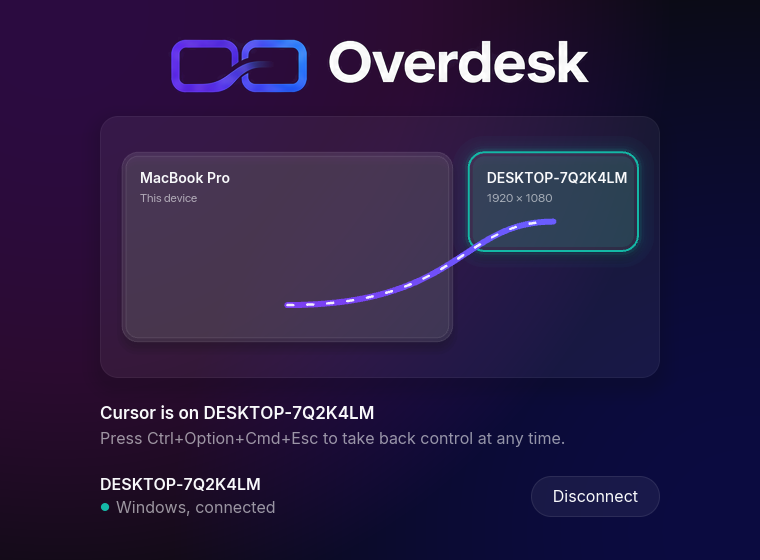
There is no server and no client: touch the Mac trackpad and it drives the PC, grab the PC mouse and it drives the Mac.
Magic Mouse and trackpad scrolling keep their momentum, and ⌘C copies on Windows.
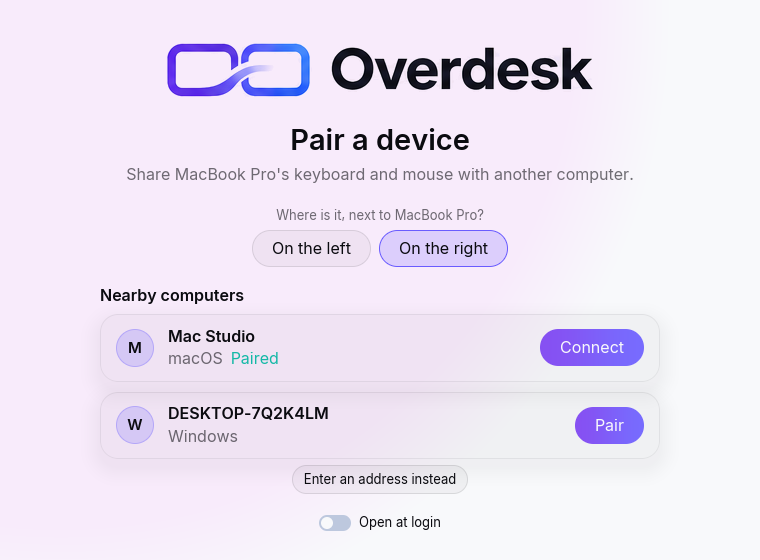
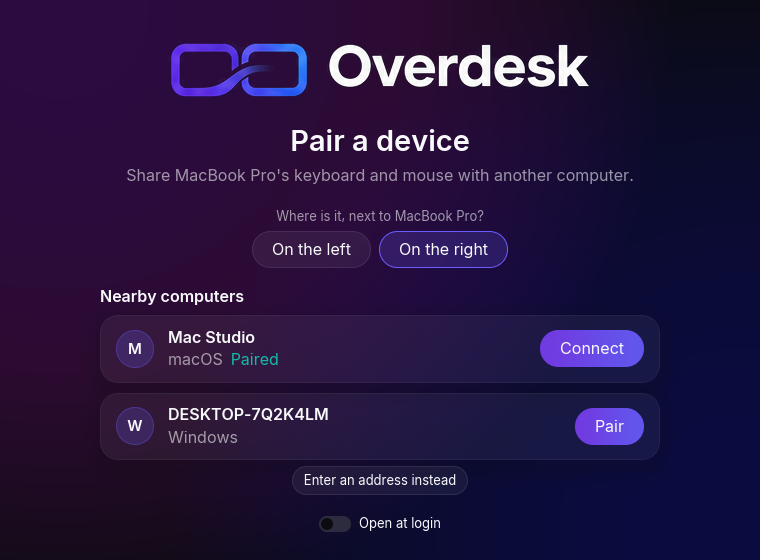
Nearby computers appear in a list, so you never type an IP address.
Native code with memory safety, and no Electron or web view: the interface is pure Rust too. On loopback, a mouse move made the round trip in 256 µs at the median (p99 804 µs) on a Mac release build.
Every connection is encrypted, and pairing takes a 6-digit code shown on both screens.
Pointer motion rides on QUIC datagrams, so a lost packet is replaced by the next one instead of freezing you.
Built for managed corporate laptops: IT installs it once, and every update after that installs quietly for you.
Put Overdesk on each computer: Mac, Windows, Linux, FreeBSD or OpenBSD. No computer is the boss.
It shows up in the Nearby list on its own. Choose it and say which side of your Mac it sits on.
Both screens show the same 6-digit code. Match them once, then slide your cursor across.
£0
For two computers
£20
One-time, per email. No subscription.
It is open core. Everything in the public repository is AGPL-3.0-only, and the Pro features are a separate closed module.
View the sourceIt runs on Mac, Windows, Linux, FreeBSD and OpenBSD. On Linux it starts with X11, with Wayland to follow, and has packages for Ubuntu, Debian and Mint (.deb), Fedora and openSUSE (.rpm), Arch and Manjaro (pacman, also on the AUR as overdesk) and an AppImage for anything else. FreeBSD 14 and later gets a pkg (or the x11/overdesk port), and OpenBSD is supported on X11, built from ports. With Pro, an Android TV can join your desk too, installed from the download page. An Apple TV remote for your computer is coming soon, and needs nothing installed on the Apple TV. Overdesk is still pre-alpha and may have no public builds yet.
Rust, end to end. The app is native code with an interface built in iced, also pure Rust, so there is no Electron and no embedded web view.
No. Overdesk installs and updates per user, with no service, no root helper and no writes to Program Files. One limit: Windows does not let a standard app type into windows that run as administrator.
Only to your own paired computers, over an encrypted connection. There is no Overdesk server in between.
Yes. The AGPL asks anyone who ships or hosts a modified version to publish their source. To embed Overdesk in a closed-source product, ask for a commercial licence.
Read about commercial licensingEmail support@overdesk.org for licences, your account, privacy or anything else. To report a bug, use the bug report form so it reaches the issue tracker.
Email support@overdesk.org